
Participation Hashtags
Last updated:
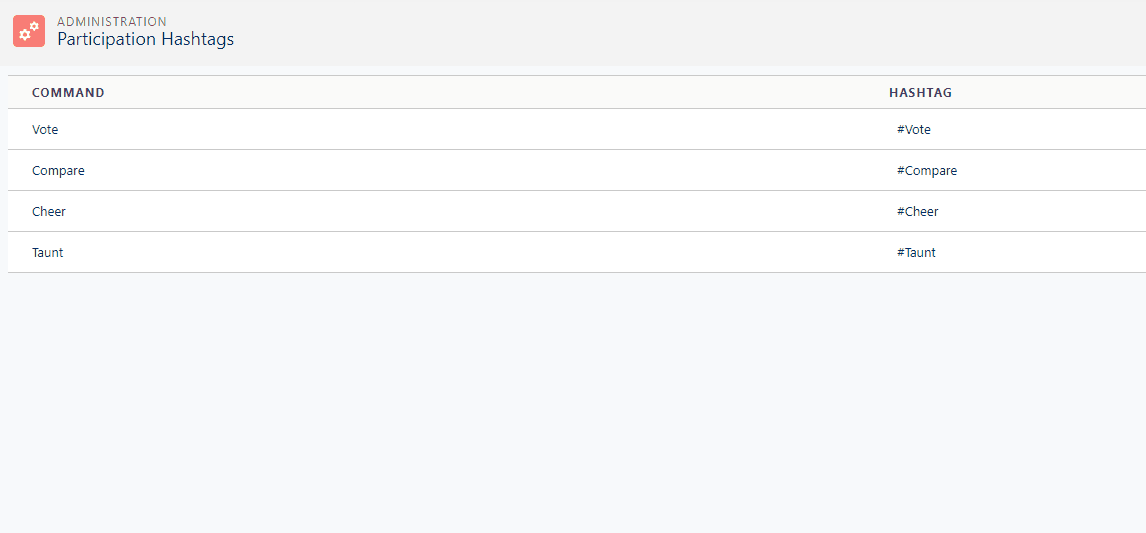
There are 4 different Participation Hashtags command types: Cheer, Taunt, **Compare **and Vote.
For Chatter Posts to appear in the Channel Feed, use the Inspire hashtag plus:
- **Cheer **and Taunt: the hashtag plus 1 @user
- Compare: the hashtag plus 1 @user to compare @user with themselves - or 2 x @user to compare the 2 other users
- Vote: the hashtag plus their chosen Leaderboard's hashtag.
Multiple hashtags can be set up for each command type, e.g. there could be a Cheer hashtag #cheer for English users' channels, and a #alentar one for Spanish users.
Set which Chatter Posts will appear in the Channel's feed via the Channel Configuration :
- Chatter Posts and Cheers & Taunts – when activated, will be displayed on the Channel's Feed.
- Comparison Requests and Votes – displayed as a popover, whether they're also set up to appear in the Feed or not.